The Drupal AI Landscape: 30 Frameworks & Integration Modules You Should Know
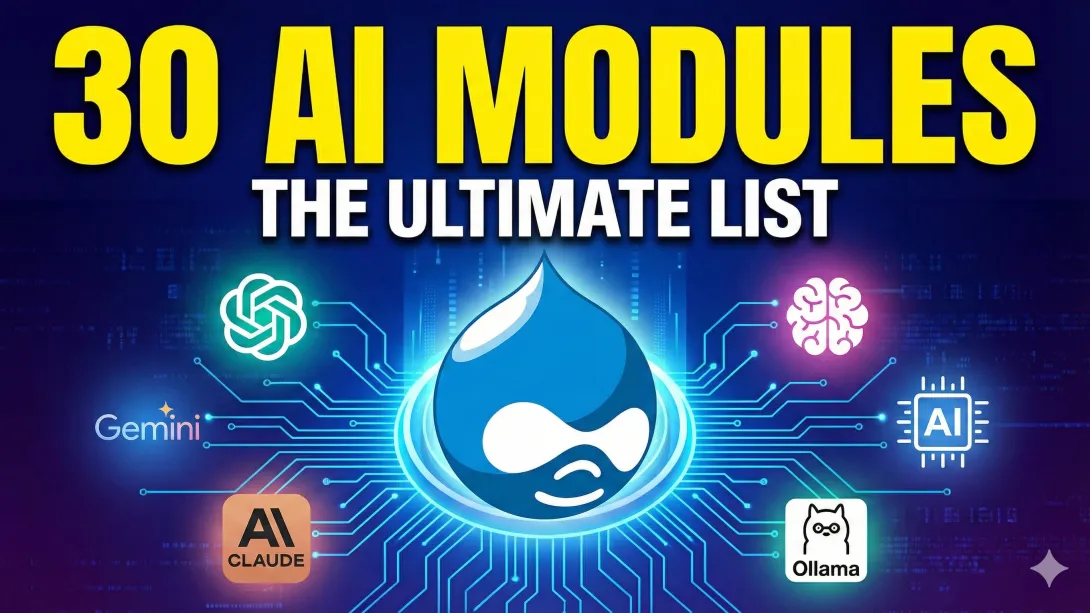
The Drupal ecosystem is currently undergoing a quiet revolution. We are moving past the phase of "AI as a gimmick" (simple text generation) and into the era of AI orchestration.
For developers and site architects, this means the challenge is no longer just how to connect to an LLM, but which architecture to choose. Do you need an enterprise-grade cloud connection? A privacy-first local model? An autonomous agent that can manage your site config?
Based on the rapidly expanding ecosystem, we have curated and categorized 30 essential Drupal AI modules that are defining this new era. Whether you are building intelligent search, automated workflows, or strict privacy-compliant chatbots, these are the tools you need to know.
Watch the Explainer
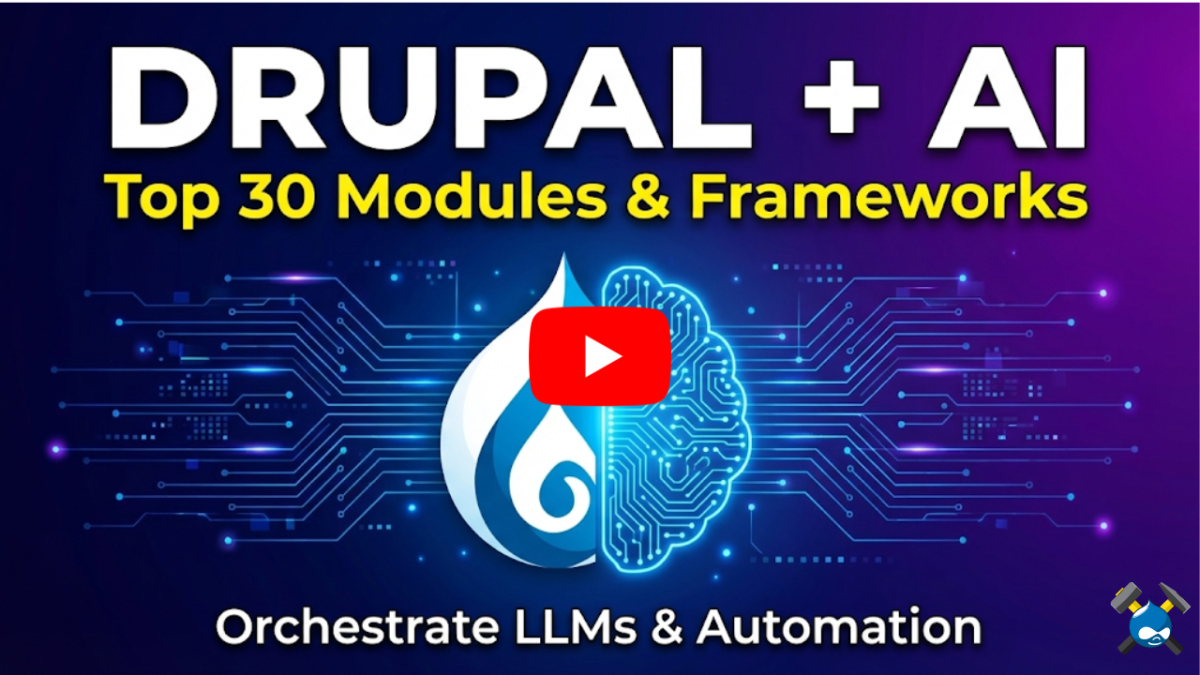
Before diving into the full list, watch this breakdown of how Drupal has evolved into a central "brain" for orchestrating AI services. It visualizes exactly how the Hub-and-Spoke model works.
1. The "Brains" of the Operation: Core Frameworks
Before you choose a model (like GPT-4 or Claude), you need a framework to handle the connection within Drupal. These modules are the foundation of your stack.
Drupal AI: If you install only one module, make it this one. It provides a unified abstraction layer, meaning you can switch between AI providers (OpenAI, Anthropic, etc.) without rewriting code. It handles the heavy lifting of API connections, key management, and content generation interfaces.
ECA (Event - Condition - Action): While not strictly an "AI" module, ECA is the engine that makes AI useful. It allows you to build no-code workflows (e.g., "If a user submits a form, send the text to AI for sentiment analysis, then email the result to support").
Augmentor AI: A flexible alternative for integrating AI directly into fields and CKEditor. It uses a "pluggable" ecosystem that allows you to mix and match services easily.
Modeler API: A developer-focused tool that helps complex modules (like ECA) interact with UI diagramming tools (like BPMN.io), essential for visualizing complex AI workflows.
Model Context Protocol (MCP): A cutting-edge module that enables Drupal to act as an MCP server. This allows LLMs to fetch local and remote data dynamically, giving the AI "context" about your specific business data.
Pro Tip: Setting up these frameworks often requires specific Composer dependencies and PHP configurations. If you want to test the Drupal AI + ECA stack without risking your local environment, you can spin up a temporary Drupal instance on DrupalForge in seconds.
2. The Big Three: Major Cloud Providers
These modules connect Drupal to the industry leaders in Large Language Models (LLMs).
OpenAI Provider: The standard connector for GPT-4, DALL-E (images), and Whisper (audio).
Anthropic Provider: Integrates the Claude family of models, which are often preferred for coding tasks and nuanced creative writing.
Gemini Provider: Connects your site to Google’s Gemini models, offering a powerful alternative with deep integration into the Google ecosystem.
3. The Privacy & Open Source Wave: Local & Self-Hosted
For organizations with strict data sovereignty requirements (like government or healthcare), sending data to the public cloud isn't an option. These modules allow you to run AI on your own infrastructure.
Ollama Provider: A game-changer for local development. It allows you to connect Drupal to models like Llama 3 or Mistral running locally on your machine or server.
Mistral Provider: Connects specifically to Mistral AI's models (both the open-weights versions and their API).
Huggingface Provider: Opens the door to the thousands of open-source models hosted on Hugging Face.
vLLM Provider: Integrates with the vLLM library, designed for high-throughput serving of open models.
AnythingLLM Provider: Great for building "chat with your data" applications while keeping documents private.
4. Speed & Specialized Inference
Sometimes you need raw speed or specific capabilities that generalist models lack.
Groq Provider: Focused on ultra-low latency. If you are building a real-time chatbot where milliseconds count, this is the provider to look at.
DeepSeek Provider: Integrates the DeepSeek LLM, known for strong performance in coding and logic tasks.
Fireworks AI: A developer platform for running open-source models with extreme speed.
Cloudflare Workers AI Provider: Runs AI on the edge. This is a serverless approach that can reduce latency for global users.
5. Enterprise Cloud Suites
For large organizations already invested in a specific cloud ecosystem, these modules ensure compliance and security.
Microsoft Azure AI: Connects to Azure AI Studio.
Azure AI Services: Integrates specifically with Azure OpenAI and Translator Text APIs.
AWS Bedrock Provider: Connects Drupal to Amazon’s fully managed AI service.
Google Vertex Provider: The enterprise gateway to Google’s AI models.
YandexGPT Provider: Integrates Yandex’s generative models.
6. Developer Tools, Agents & Observability
Once your AI is running, how do you test it? How do you ensure it isn't "hallucinating"?
AI Agents Test: A critical module for QA. It allows you to run automated tests against your AI agents to ensure they behave consistently before you deploy to production.
Langfuse: Provides "observability." It tracks token usage, latency, and costs, helping you debug complex AI chains and keep your API bills in check.
AI Drush Agents: Brings AI agents to the command line. Perfect for developers who want to run AI tasks or explain configuration changes via terminal commands.
OpenAI Batch: A utility module that handles bulk asynchronous requests, helping you process thousands of items (like auto-tagging old content) without timing out your server.
7. The Aggregators
If you don't want to manage individual API keys for every new model that comes out, aggregators are the answer.
OpenRouter Provider: Gives you access to over 300+ models (both closed and open source) through a single API connection.
LiteLLM AI Provider: A uniform interface to call 100+ LLMs using the OpenAI format.
amazee.ai AI Provider: Connects to amazee.ai’s hosted AI services, offering a managed path to utilizing open-source models.
Conclusion: Start Building (Safely)
The sheer volume of modules listed above proves one thing: Drupal is ready for AI.
However, the complexity of managing dependencies—Python libraries, vector databases, and conflicting API versions—can introduce instability to your development environment.
We recommend creating a dedicated sandbox when testing new combinations of these modules. By isolating your AI experiments, you can iterate faster and ensure your production site remains stable.
Ready to experiment? Launch a Drupal AI Sandbox on DrupalForge and start building your intelligent stack today.