DrupalForge Deployment: Build in the Cloud, Preview Instantly, and Move Your Drupal Site Forward
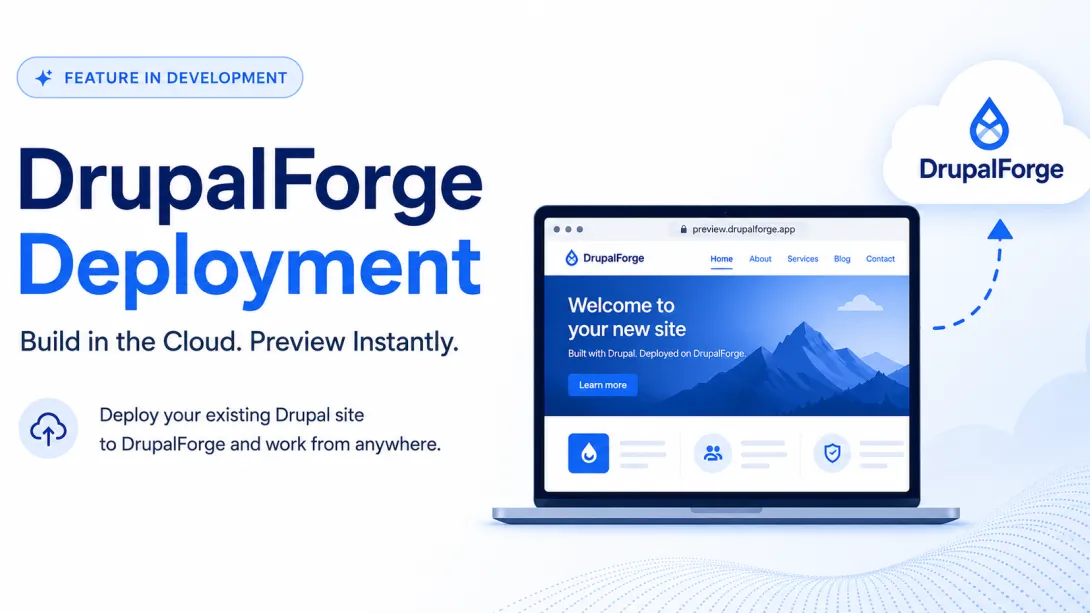
DrupalForge has always been about making Drupal easier to try, build, teach, demo, and develop in the cloud. Instead of asking every developer to install Docker, configure local tooling, manage database imports, fix permission issues, and fight the classic “works on my machine” problem, DrupalForge gives teams a different path:
Launch a Drupal site.
Open a cloud development environment.
Work from anywhere.
Share previews.
Keep moving.
Now, a new DrupalForge feature is beginning to take that workflow further: DrupalForge Deployment.
This feature is still in development, but it already works. The goal is simple and powerful: make it possible to take an existing Drupal site, deploy it into DrupalForge, and use DrupalForge as a cloud-based development and preview environment.
In a recent video walkthrough, Darren Oh demonstrated how this works using a DrupalForge demo site. The process is still technical today, but it shows where the platform is going: a future where Drupal teams can move sites into cloud development environments more easily, preview changes instantly, and reduce the friction of local development.
What DrupalForge Deployment Does
DrupalForge Deployment is designed to help move an existing Drupal site into DrupalForge so it can run as a cloud-based development environment. In practical terms, this means DrupalForge can:
Pull in the site code.
Import the Drupal database.
Configure the environment.
Start the site in DrupalForge.
Provide a live preview URL.
Retrieve files as needed through a file proxy.
That last point is incredibly important. Instead of requiring every file from the source site to be zipped, uploaded, and imported all at once, the deployment workflow can retrieve files on demand.
When a page loads and needs an image or file, DrupalForge fetches it from the original source and stores it in the new environment. The first page load may take a little longer, but once the file is retrieved, it does not need to be fetched again. This makes the deployment process lighter, faster, and more practical for real Drupal sites that may have massive file directories.
Why This Matters for Drupal Developers
Drupal development environments have historically created unnecessary friction. A developer joins a project and needs to set up a local stack. They install Docker, DDEV, Lando, Composer, Drush, database tools, PHP extensions, and project-specific configuration. Then they import the database, sync files, fix permissions, and debug whatever does not work on their machine.
This can be manageable for experienced developers, but it is still highly time-consuming.
For agencies, trainers, site builders, evaluators, and distributed teams, the problem becomes even bigger. The more people involved, the more duplicated setup work happens. Every laptop becomes another environment to configure, maintain, patch, and troubleshoot.
The Cloud Shift: DrupalForge changes the workflow from “set up your machine first” to “open the site and start working.” The environment lives in the cloud, the tools are already available, and the preview URL is instantly shareable from anywhere.
DrupalForge Deployment extends that idea to existing Drupal sites. Instead of only launching new demo sites or templates, the platform can begin supporting a workflow where real Drupal projects are brought into DrupalForge for development, review, testing, and preview.
How the Demo Works
In the video, Darren starts by creating a DrupalForge site using the Byte demo. Because the DrupalForge Deployment module is still in development and does not yet have an official release, he installs it using Composer:
composer require drupal/drupalforge_demo:@dev
Next, the DrupalForge Deploy module is enabled. During the demo, Darren also applies a patch to the Backup and Migrate module. The reason is practical: during testing on DrupalForge, an issue appeared where Backup and Migrate could create invalid backup files. Applying the patch helps ensure that the database backup is valid before the deployment process runs.
If you are a vendor and you want to use DrupalForge to provide development environments to your users, you would not necessarily need to use the DrupalForge deployment module or the backup and migrate module inside their site. You could easily create your own external tool that handles the database dump for them.
Using S3 for the Database Backup
The current deployment workflow uses an Amazon S3 backup destination. DrupalForge needs a place where it can download the database backup from the source Drupal site. In the demo, Darren creates an S3 backup destination inside Drupal and provides the necessary credentials:
Access key
Secret key
Bucket name
AWS region
Once the credentials are saved, the database backup is pushed to S3. In the future, this part will become much easier. The ultimate goal is for DrupalForge to automatically choose an already-configured S3 bucket for the user when the feature is officially released, removing one of the more technical steps of the setup.
How DrupalForge Starts the Deployed Site
After the database backup is created, you click Deploy. DrupalForge then collects the necessary information about the site and starts the process of creating the environment.
In the current implementation, the feature uses existing DrupalPod support. This allows DrupalForge to specify an image that understands how to read environment variables, connect to the DrupalForge database, retrieve the S3 backup details, import the database, and prepare the site.
There is a brief delay during startup because the site has more work to do than a normal DrupalForge launch. Because it must import the database and configure the file proxy before Apache is fully ready, the browser may show a temporary message such as an invalid response. After a short wait, the deployed Drupal site loads successfully.
File Proxy: A Smarter Way to Handle Drupal Files
Importing every image, document, and derivative image style upfront can be slow and wasteful. DrupalForge Deployment avoids this entirely by setting up a file proxy to fetch files on demand.
The demo shows this happening in real time. As Darren navigates to new pages, additional files instantly appear in the file directory. Even better, when the site needs an image style derived from a base image, the workflow retrieves the base image rather than pulling every single derived thumbnail image one by one. This gives developers a practical middle ground between a massive production copy and an empty development environment.
Why Agencies Should Pay Attention
Many agencies manage dozens of client sites, each with a different setup, database, hosting environment, and onboarding process. When a developer needs to work on a project, someone has to help them get the environment running.
DrupalForge Deployment points toward a more scalable model. Instead of onboarding every developer into every local setup, an agency could create cloud development environments for client sites and give team members instant access. This means fewer setup delays, fewer laptop-specific bugs, and faster review cycles with clients.
The Bigger Picture: Cloud Development for Drupal
While local development tools like DDEV and Lando are powerful and will continue to matter, cloud development changes the equation for collaborative teams. It provides a massive advantage for:
Agencies onboarding developers
Trainers preparing workshop environments
Site builders testing ideas
Maintainers reviewing changes
Vendors providing customer demos
Conclusion
DrupalForge Deployment is an early but important milestone. It shows how the platform is moving beyond launching blank demo sites and beginning to support real-world Drupal development workflows. The feature is still evolving, but the core infrastructure works perfectly today—making Drupal development more portable, collaborative, and cloud-ready, one feature at a time.