Shopware DevOps Blueprint: From Git Push to Production Release
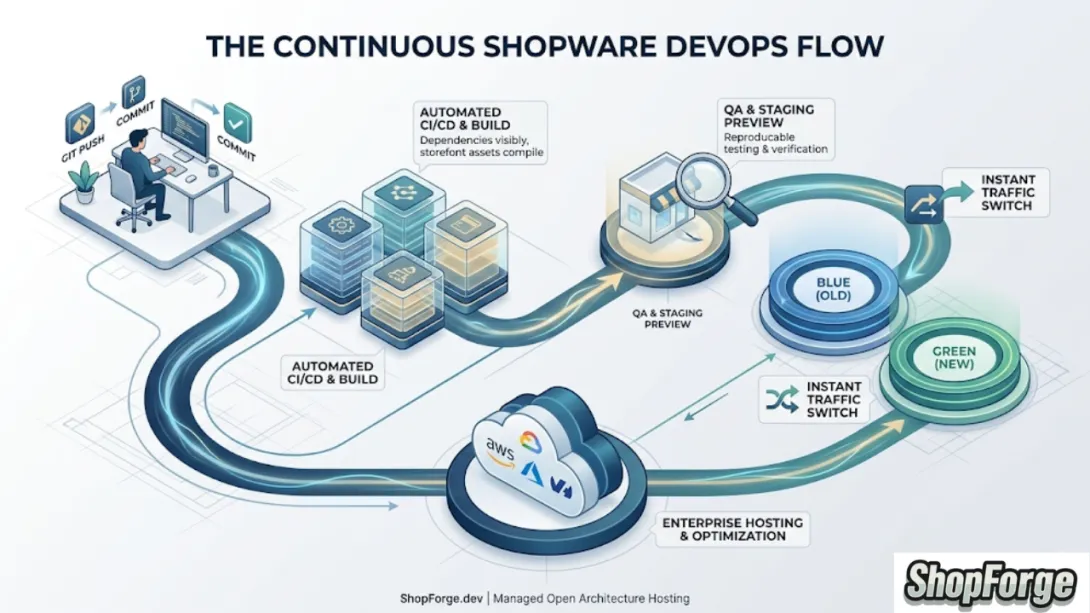
For Shopware 6 developers, the gap between writing code and seeing it live in production can often feel like a minefield of fragmented tools. Between local Docker setups, separate CI/CD services, and black-box hosting providers, the "simple" act of deploying an update often turns into hours of manual configuration.
At ShopForge, we’ve built a better way. We provide an Open Architecture Hosting platform that integrates the entire software development lifecycle (SDLC) into one seamless flow. Here is the blueprint for moving from a Git push to a live production release without the headache of fragmented toolchains.
1. The Starting Line: Integrated Dev Environments
A professional workflow shouldn't start with hours of local environment troubleshooting. ShopForge provides Cloud-Based Dev Environments that are purpose-built for Shopware 6.
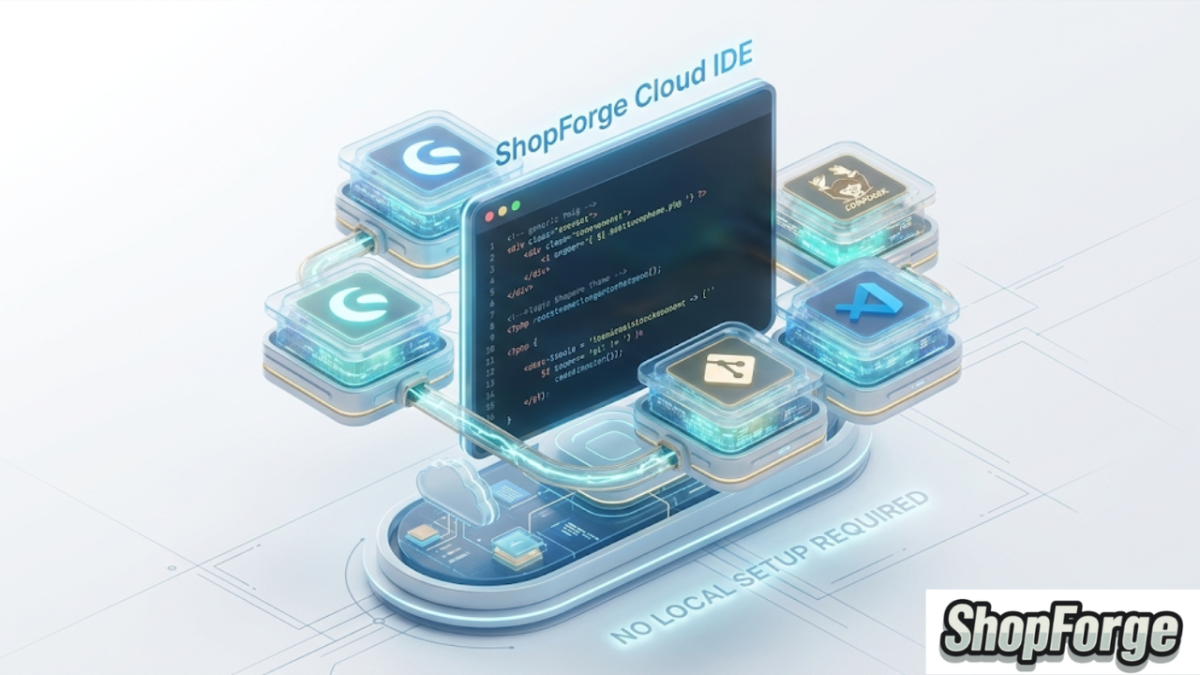
The Blueprint: Instead of "it works on my machine," you develop in a containerized environment that perfectly mirrors your production stack.
The Open Architecture Advantage: You get full access to the tools you need—VS Code, Shopware CLI, and Composer—pre-configured and ready to go.
2. The Trigger: Git-Driven Automation
In a modern DevOps workflow, your repository is the "Source of Truth." The moment you push code to your repository, the ShopForge engine (powered by DevPanel’s battle-tested Kubernetes infrastructure) springs into action.
Continuous Integration: ShopForge automatically detects the push and initiates the build process.
No Manual Uploads: Forget FTP or manual ZIP uploads. Your code moves through the pipeline automatically, reducing human error.
3. Automated Staging & PR Previews
One of the biggest risks in e-commerce is deploying untested code to a live store. Our Open Architecture allows for isolated, reproducible environments.
The Blueprint: For every Pull Request or branch, ShopForge can spin up an ephemeral staging environment.
The Goal: Test your plugins, themes, and core updates in a live-link environment that mimics production before a single customer sees it.
4. The Build & Deploy Sequence
Shopware 6 requires specific sequences: managing dependencies, running database migrations, and compiling storefront assets. Doing this manually on a live server is risky.
ShopForge manages this entire sequence for you:
Managed Build: We handle the
composer installand asset compilation in a secure build layer.Atomic Deployments: We use a "Blue-Green" style approach. The new version of your store is prepared and checked; once it's ready, traffic is routed instantly. If something goes wrong? Rollback is near-instant.
5. Enterprise-Grade Production Hosting
This is where the "Open Architecture" really shines. While we provide the transparency you’d expect from an open system, we provide the Managed Hosting you need for peace of mind.
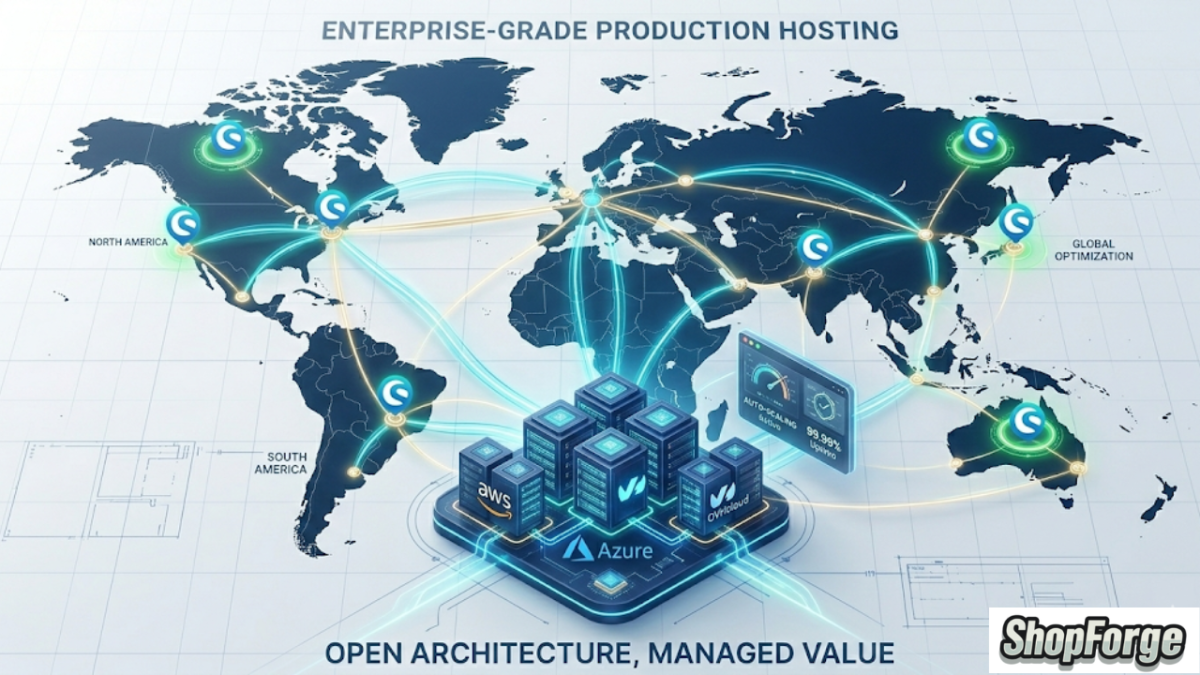
Multi-Cloud Flexibility: Your store runs on auto-scaling Kubernetes across AWS, Azure, or OVH.
No Vendor Lock-in: Unlike proprietary "black box" hosts, our architecture is transparent. We host it for you, but you always have visibility into how your infrastructure is performing.
Conclusion: Focus on the Code, We’ll Handle the Rest
The old way of hosting Shopware involved stitching together a patchwork of tools. The ShopForge way is about a single, integrated platform that takes you from the first commit to a global production release.
We provide the Open Architecture; we provide the Managed Hosting. You provide the vision.
Ready to see the blueprint in action? [Launch a Free Demo Store]