Easy, Fast, and Free!
Launch sites in < 5 seconds!
Demo, Develop, and Deploy.
Share recipes and templates.
Free for 30 days.
Atelier Demo
NOTE: There are some known issues related to free api keys that run into rate limits and other disruptions. In case this happens, please try to use the functionality after a minute or so. If the problem persists, please create/update the problem at in GitHub issue queue
Build a website by chatting with it. Atelier turns plain requests into real, editable Drupal content — describe the page you want and it composes it section by section, themed and structured, yours to refine by talking rather than hunting through settings.
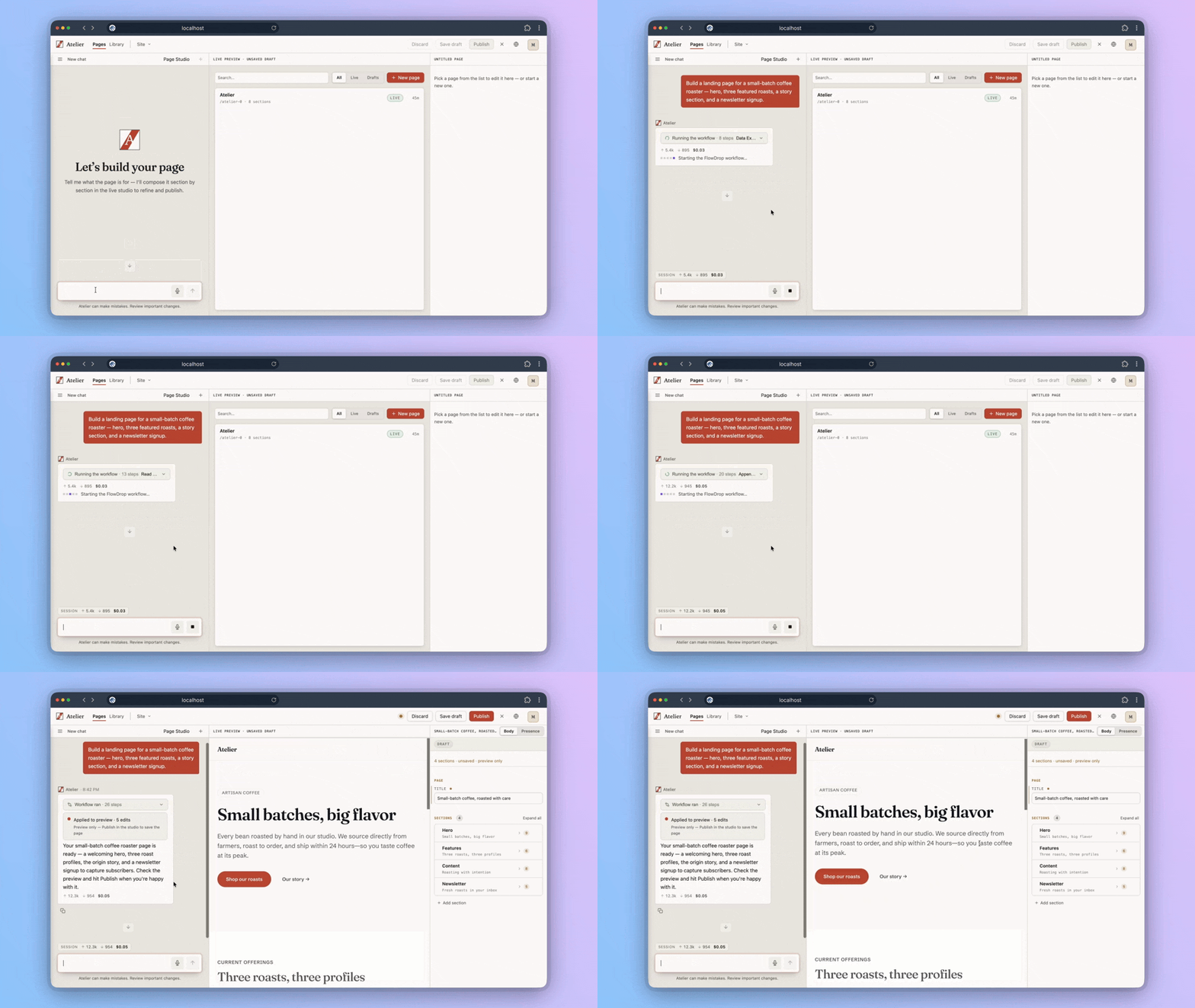
Drupal has always been able to build this site. The difference here is the experience: you don't need to be a developer to enjoy the ride. It's free, open source, and the same thing runs on your own machine with one command.
Start here
- Sign in as
admin/admin. The console is at/atelier. - You'll land in a short two-step setup — the product's real first run, and there's no way past it. There's also nothing to paste: an AI key is already connected. Go straight on, then pick a model tier. About twenty seconds.
- Choose Balanced unless you have a reason not to. Atelier works in roles rather than one hardcoded model, and the tier you pick here decides which model does the actual page composition — balanced is the product's own default and what that work is tuned against. Best value runs even the composer on a cheap model: it stretches the shared trial key furthest, but expect rougher pages. Best quality gives the best pages and spends the key fastest. You can change it later.
- Go to Pages, not the chat you land on first. Each studio has its own assistant and its own live preview; the General chat is for getting your bearings and won't build a page.
- Instances are throwaway. Build freely.
Paste one of these into Pages to start:
- "A landing page for a small-batch coffee roaster — hero, three featured roasts, a story section, and a newsletter signup." (the one in the clip above)
- "A landing page for a small ceramics studio in Lisbon."
- "A pricing page with three tiers and an FAQ."
1. Pages — make something exist
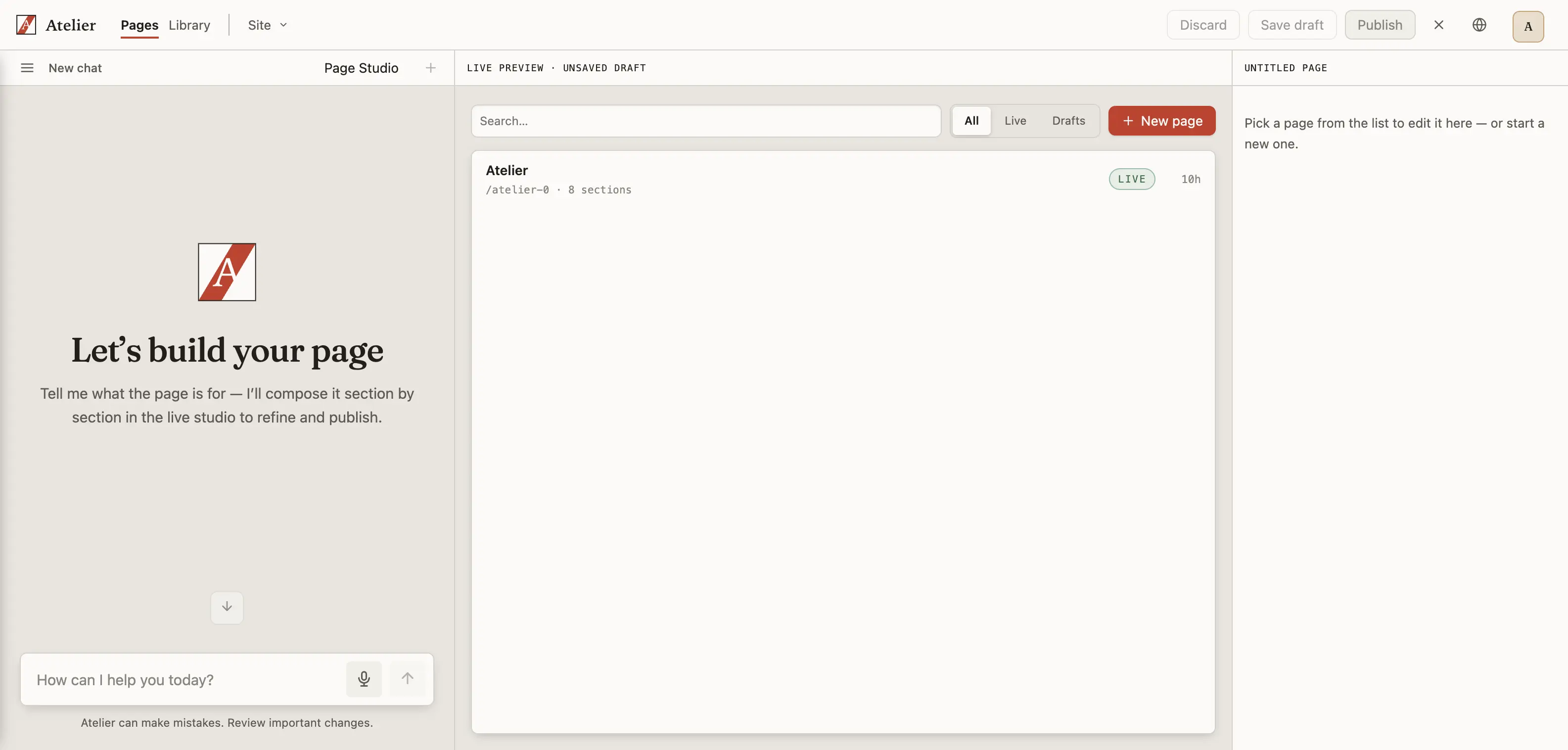
Describe what you want and you get a real page with real sections — headings, copy, layout — not a wireframe. Read it, then ask for changes: "make the intro shorter and add a section about the workshops." Nothing publishes itself; the assistant proposes, you approve what ships.
2. Design System — make it yours
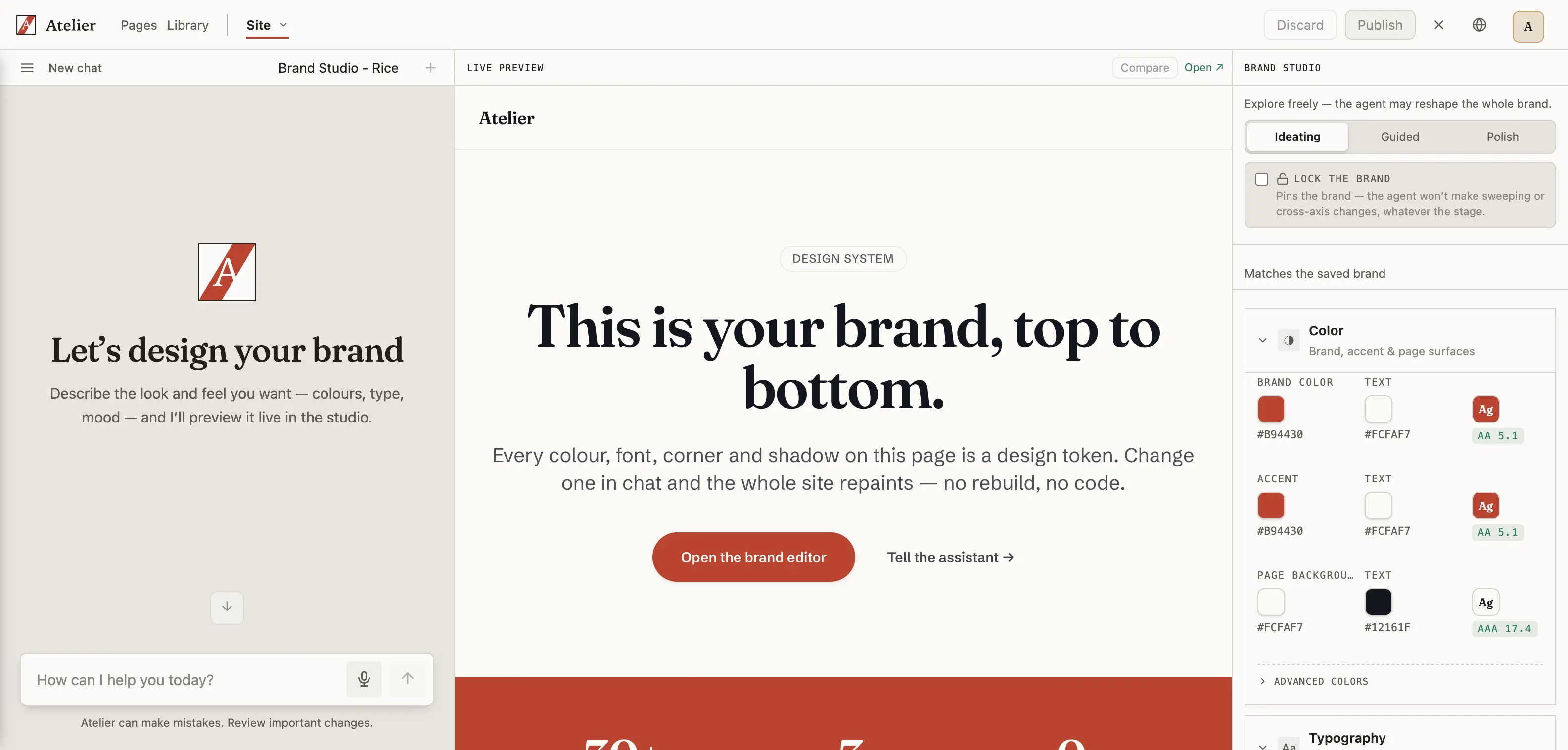
Go to Site → Design System. This is your brand: colour, type, shape. Ask for "a warmer primary colour, softer headings" — then go back to your page. It already changed. Now ask Pages for a second page — "a contact page" — and watch it arrive in the same brand, without being told.
This is the step worth your attention. A real website isn't ten pages, it's one brand ten times. Getting a page out of an AI is easy; getting a site that still looks like itself on page nine is the hard part, and it's the thing Atelier is built around.
3. Globals — turn pages into a site
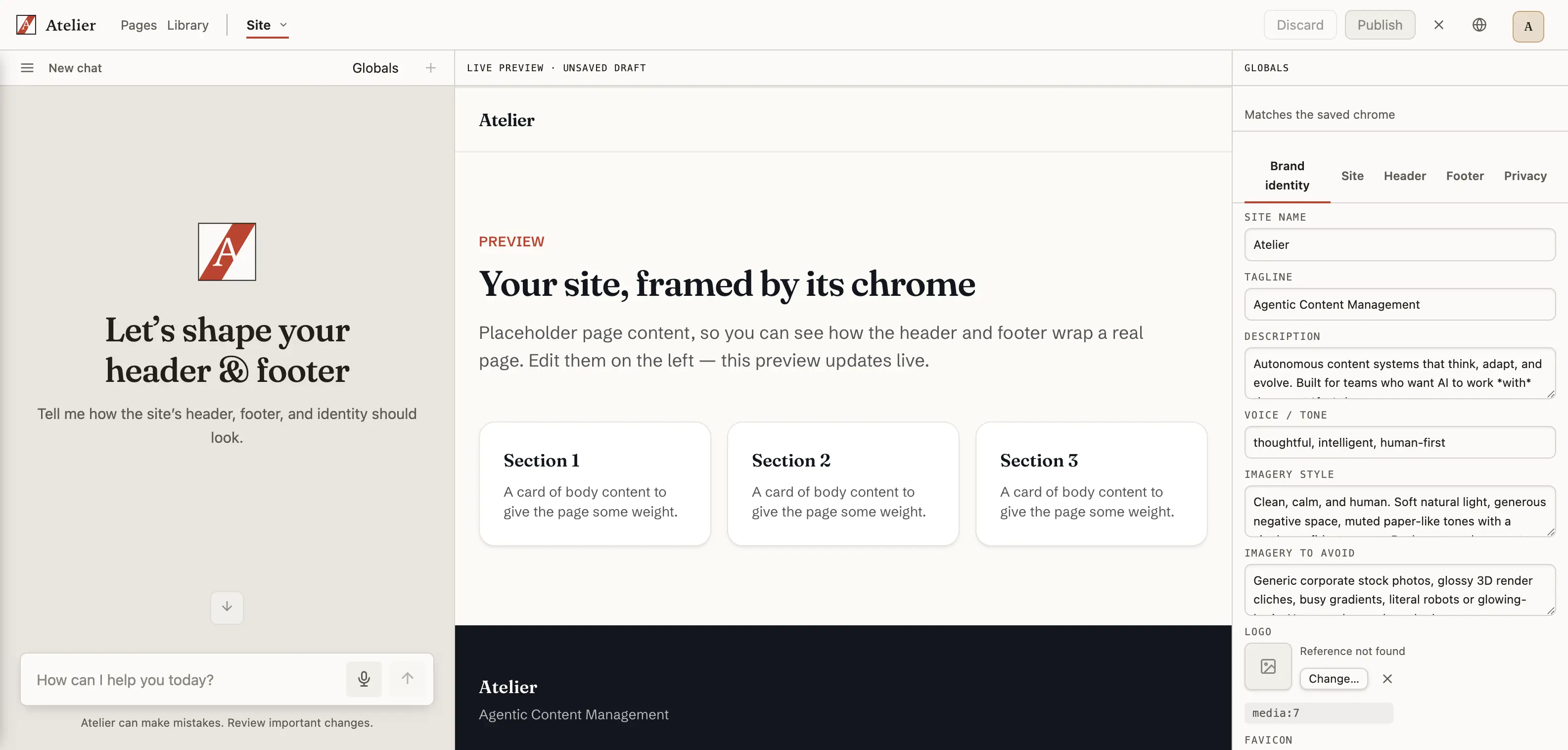
Site → Globals owns the site-wide frame: header, footer, site identity, and which page is the front page. Try "put both pages in the main menu and use the studio name in the header." (Design System holds the brand tokens; Globals holds the identity and chrome that wrap every page.)
4. Library — images and reusable blocks
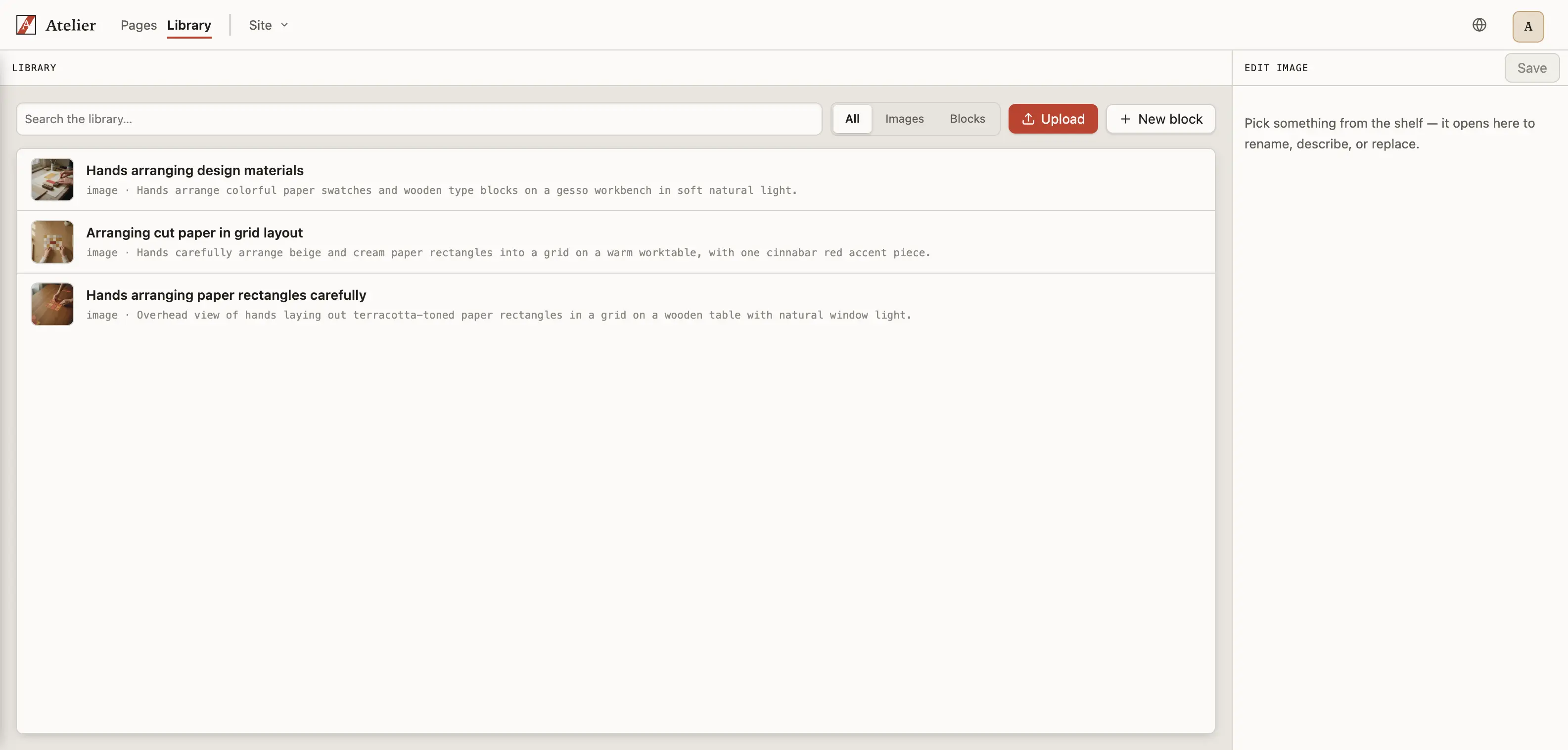
Ask Library to place an image and drop it straight into a page. Descriptions and alt text are written for you, so what you ship is accessible by default.
Good to know
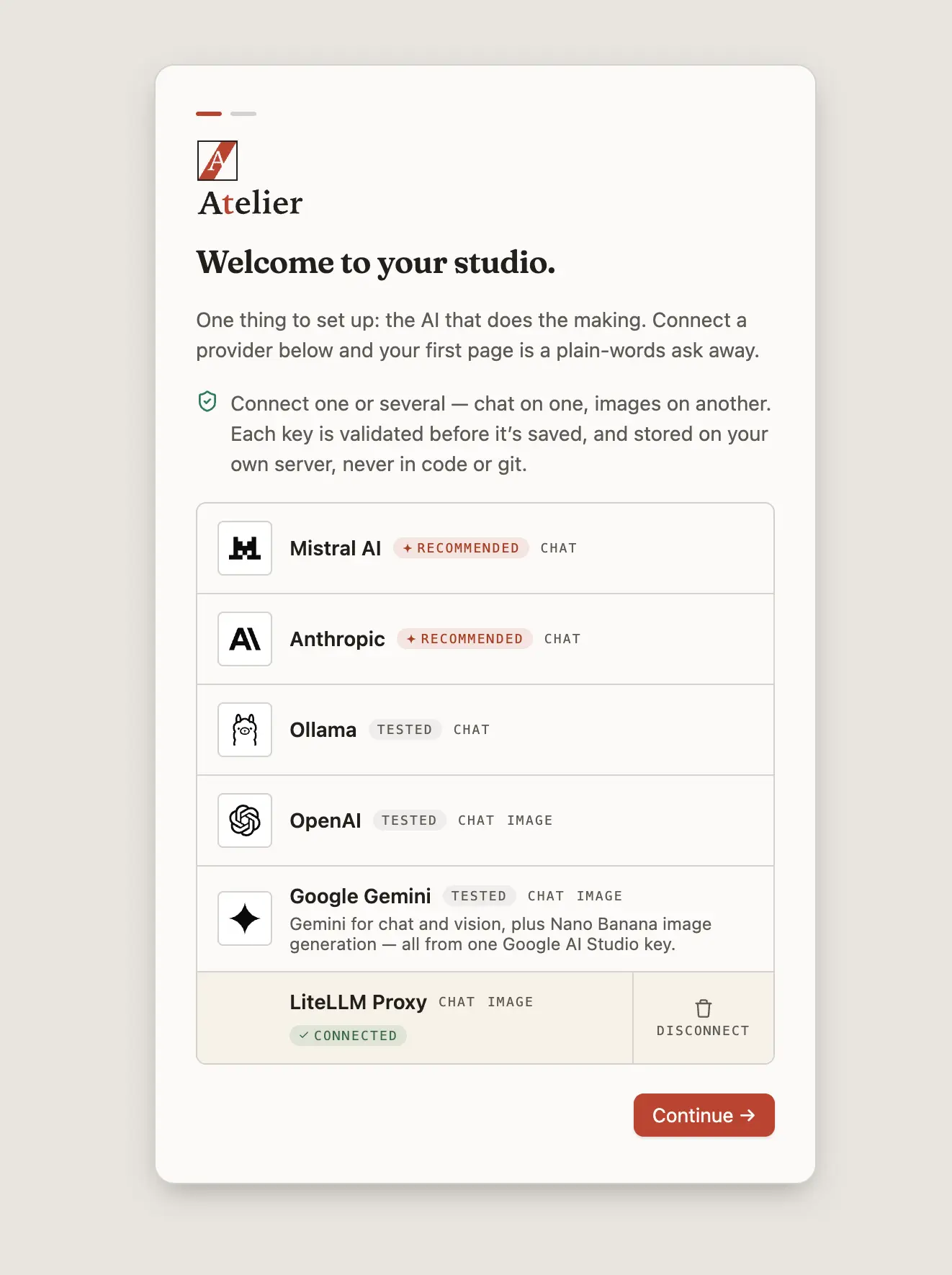
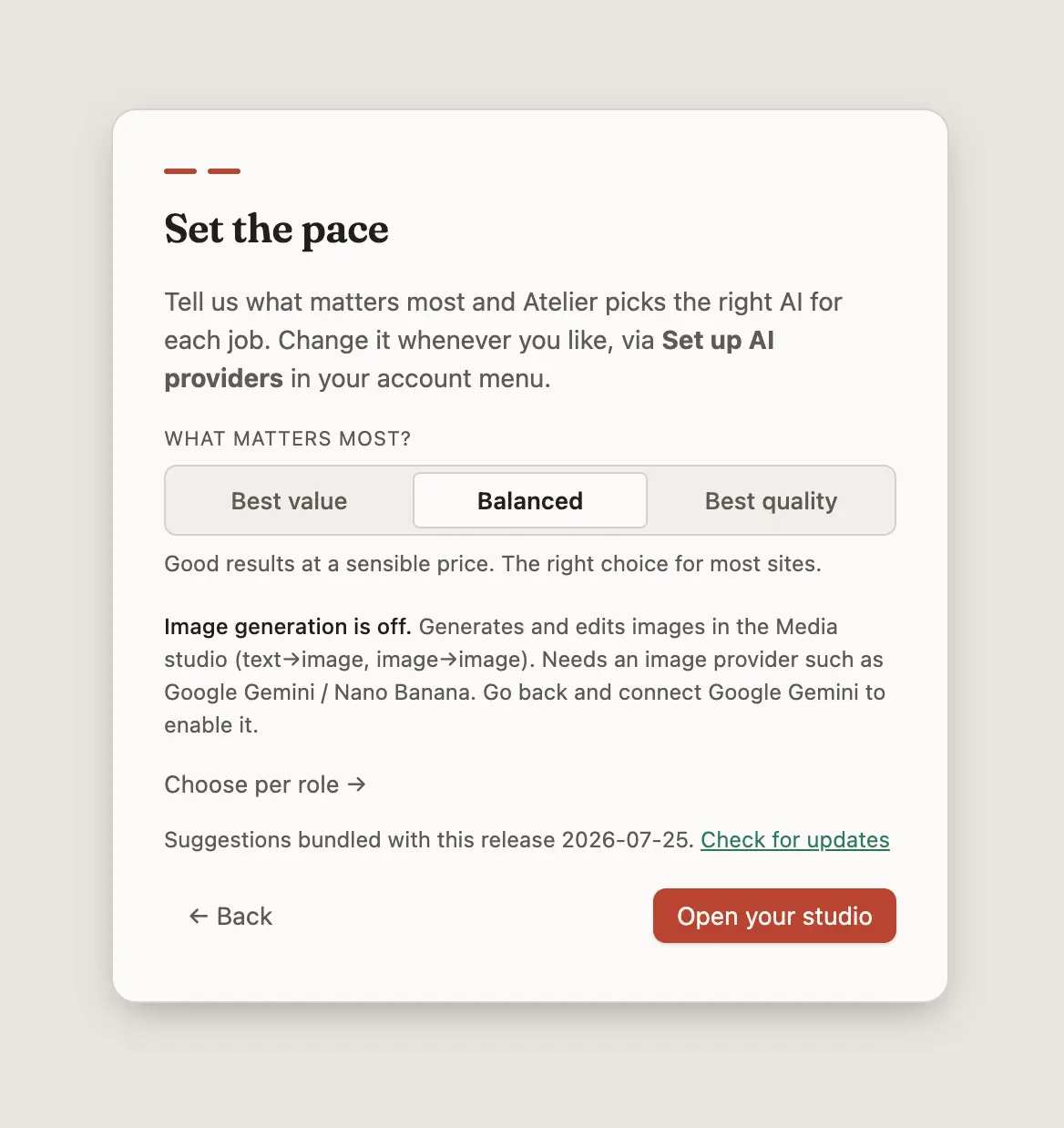
- AI image generation needs your own key. The shared trial endpoint has no image model. Add one via account menu → Set up AI providers and connect Google Gemini or Nano Banana. Google's image models need a billing-enabled key; a free key returns a quota error.
- You can change your models at any time — account menu → Set up AI providers. Rerun the tier choice, or open the pickers and set each role individually. The trial key here is shared, which is the only reason the tier is a budget question at all; connect your own key and there's no shared budget to spend. OpenAI, Anthropic, Gemini, Mistral, a local Ollama and any LiteLLM-compatible endpoint all work.
Under the hood
It's real Drupal: standards-based content, config-as-code, your database. Nothing here is a mock-up you'd rebuild later — export it and take it anywhere.
Atelier is free and open source (GPL-2.0-or-later) and designed to be self-hosted: a Docker appliance you run yourself, keeping the content, the server, and the provider keys.
curl -fsSL https://aincient-labs.com/atelier/install.sh | bashYou get the same two-step welcome you just went through — the only difference is that on your own install you paste your own key at step one, and then you're building.
Thanks
Drupal Forge — a free platform by the OPS Association — and DevPanel, which it runs on, host this demo and supply the trial AI key behind it. That key is the reason there was nothing for you to paste: you could launch an instance and start building without bringing a provider account of your own. Our thanks for the offer and for the help getting it running.
Factorial GmbH is the company behind FlowDrop, the visual workflow engine every Atelier agent runs on — including the one that just built your page — and a steady supporter of this project. They offer professional support and consulting for serious Drupal deployments.
And to the Drupal community, whose work all of this stands on.