Easy, Fast, and Free!
Launch sites in < 5 seconds!
Demo, Develop, and Deploy.
Share recipes and templates.
Free for 30 days.
Drupal Chrome Prompt API
Getting started with testing the Chrome Browser Prompt API
Explore a demo which combines the features of Drupal CMS with a small AI model that runs locally directly in your browser. With the Prompt API and Gemini Nano, you can try out the Drupal CMS AI features without costly and complicated API keys.
This is Sovereign AI: fully private and built using open source models you can control. Please note: as it runs on your local machine, you will ideally need 16GB of RAM and may experience a difference in quality compared to paid-for frontier models.
Start here: First create your demo site here on Drupalforge, click Login in the top-right menu. On mobile, open Menu first, then tap Log in. Use username admin and password admin.
Quick start (2 minutes)
- Log in.
- Go to Content, then click Edit on this page.
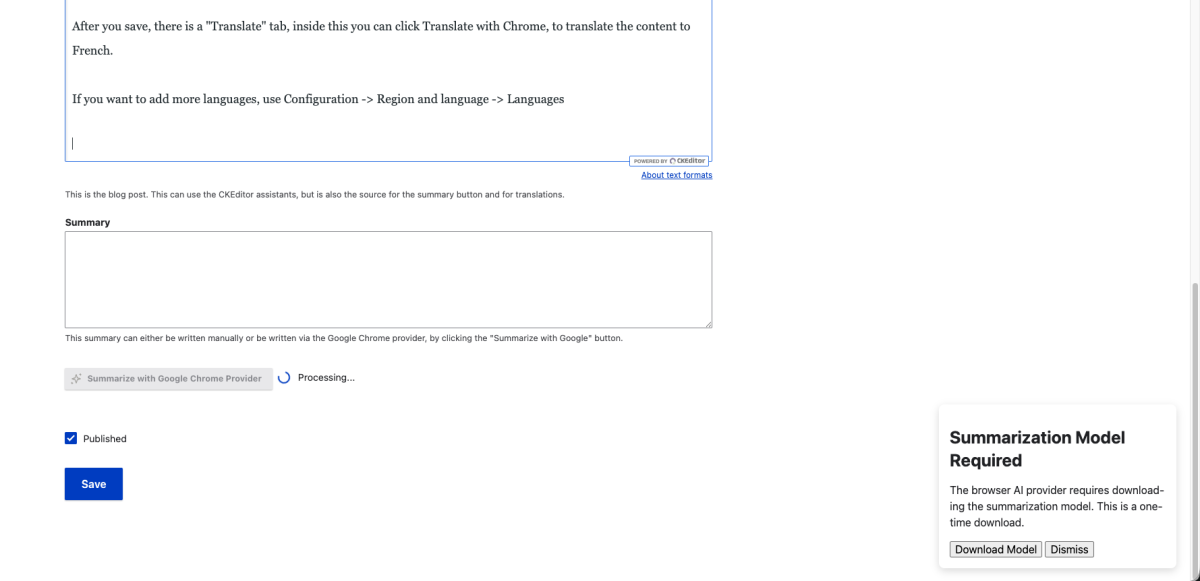
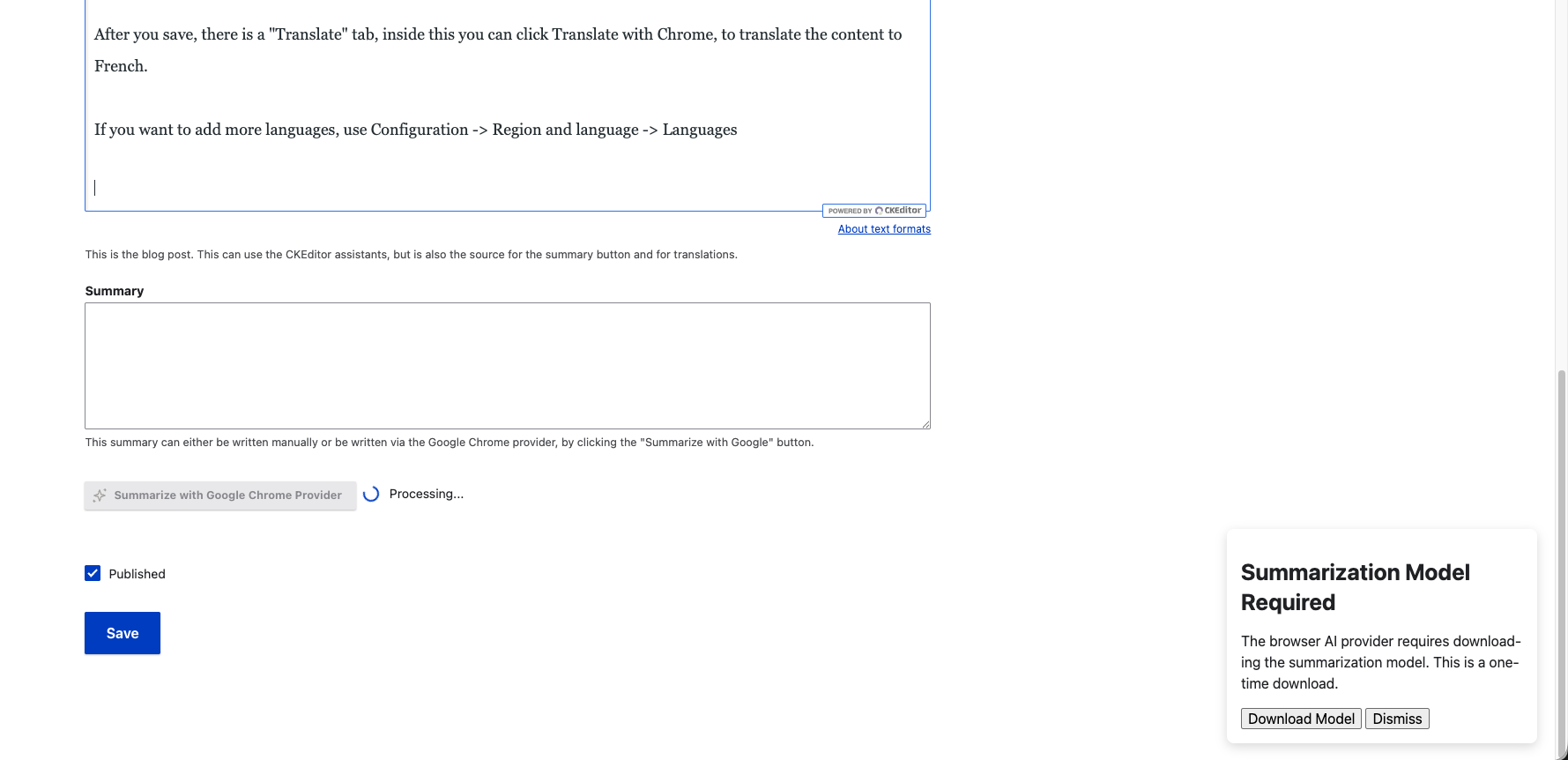
- Complete the one-time Gemini Nano download popup when prompted.
- Test Alt Text Generation, CKEditor Assistants, Summarisation, and Translation.
Demo features include:
- Summarisation: A single button to summarise content directly into the Summary fields on Blog Posts.
- Translation: Simple feature to translate whole pages between English and French.
- Alt Text Generation: Generate alt text for any uploaded image using the Browser AI.
- CKEditor Assistants: Use your local AI to summarise, translate or change the tone of specific text.
- Fully Private Local AI: Example CKEditor buttons to proofread or summarise your text. They work between your browser and its AI directly, opening the door for fully private AI applications. Your data is only sent to the server after you click save.
Your privacy options
- Sovereign AI: Give your organisation full control. These features keep your data private from AI companies but still pass information back to the website host, allowing use of Drupal governance tools, context, and tool calls without an external API.
- Local Browser AI: Data never leaves your machine. These features use only browser AI without sending information to the website host, useful for highly confidential information. This option may limit some functionality and governance and is currently experimental.
If this is your first time you will need to download the model clicking the pop-up: