Easy, Fast, and Free!
Launch sites in < 5 seconds!
Demo, Develop, and Deploy.
Share recipes and templates.
Free for 30 days.
A Visual Flow builder for Agents - FlowDrop UI on Drupal CMS
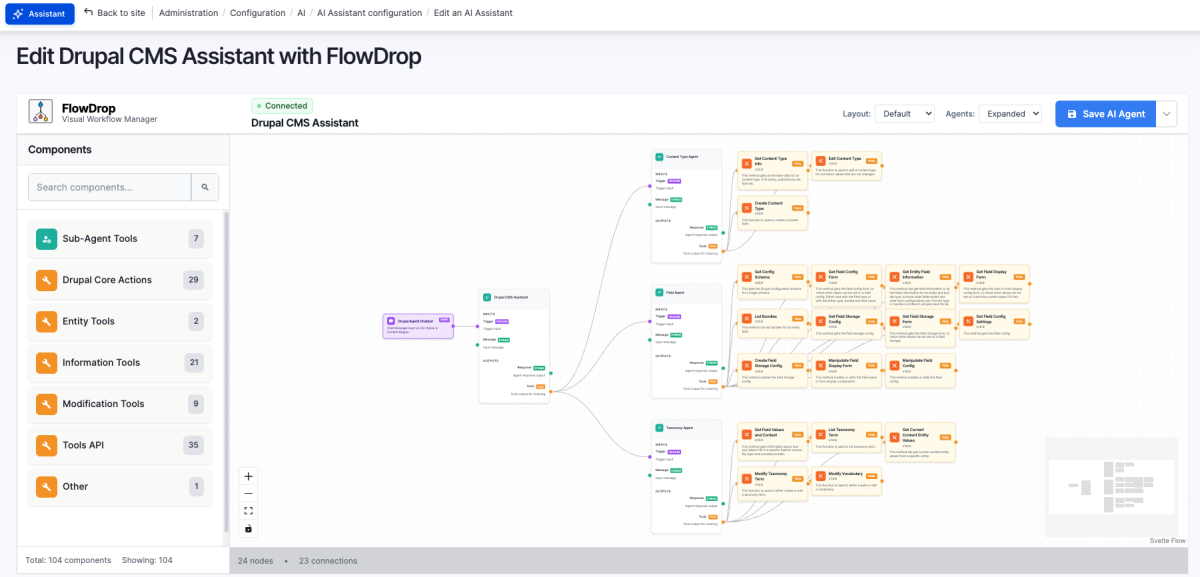
A place to test out https://www.drupal.org/project/flowdrop_ui_agents
The FlowDrop UI Agents module provides FlowDrop visual editor integration for AI Agents using the Modeler API. It enables users to visually design, configure, and manage AI agent workflows through an intuitive drag-and-drop interface.
It helps you edit the whole flow of AI Agents from one place. Don't need to worry about tools, assistants, agents, chatbots (coming). Everything is in one place at your finger tips.
This module directly saves and writes to the existing AI Agent configuration. You can use it on existing AI Agents, you can create or edit agents with FlowDrop UI and then finish editing them using the traditional edit forms. It's fully decoupled via the Modeller API and so you can switch to BPMN.io if. you want. It is designed for developers and site builders who want a clear, maintainable, and user-friendly way to build AI-driven workflows in Drupal.
How to use this?
- Go to Configuration -> AI -> AI Assistants OR AI Agents
- Click the Drop-down next to Edit
- Go to Edit with FlowDrop for AI Agents
You can find this template here: https://github.com/drupalforge/drupal_cms_ai_demo_flowdrop/
Frequently asked questions
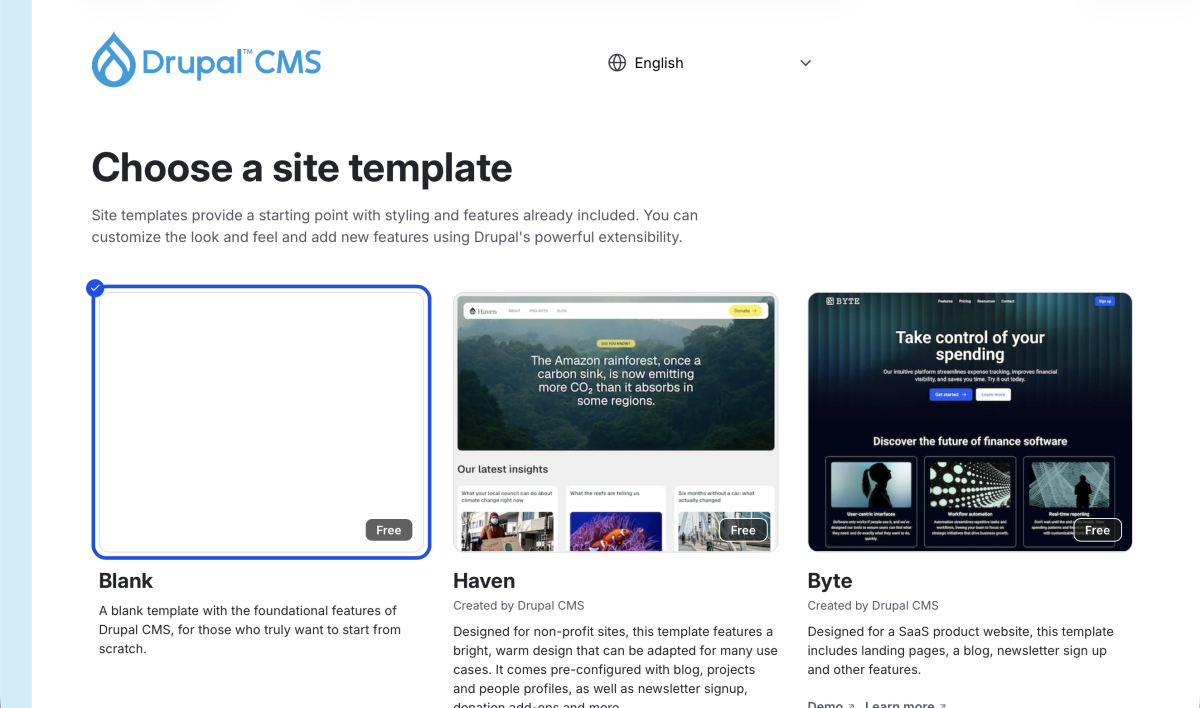
Simplytest is a great service. We were in fact inspired by it. If you have not tried it, you should try it out. Seriously. Here's the link. Drupal Forge is a community service - just like Simplytest. Here are the similarities and differences:
- Like Simplytest, Drupal Forge (DF) lets you create 6 hour temporary disposable Drupal Dev sites.
- On DF, you can optionally add a Cloud Dev Environment (CDE) to your Drupal Dev sites.
- With a CDE, your Dev sites are automatically paused at after 6-hours instead of getting deleted.
- You can un-pause your sites and continue where you left off.
- You can keep extending the working life of your Dev sites (in increments of 6 hours).
- With a CDE, you get a browser-based VS Code IDE (aka Cloud IDE), pre-installed with Composer and Drush.
- Full access to the MySQL database with PhpMyAdmin - a browser-based db admin tool.
- Invite and collaborate with other developers on the Code IDE - think parallel programming.
- Download your site and use it on your Local Dev Environment.
- Go live with your site - deploy it to an external server on Digital Ocean, Light Sail, etc. Connect your custom URL to it. Maintain the Dev site on DF.