Teaching Drupal AI Without Burning Through API Budgets: The Complete 2026 Guide
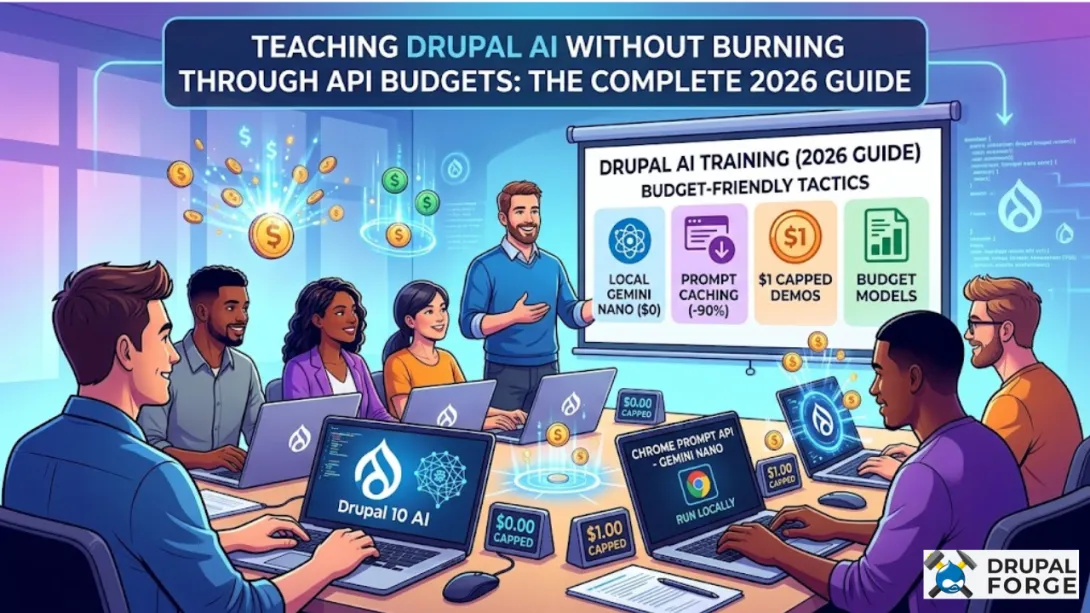
Teaching Drupal AI without burning through API budgets is one of the biggest practical challenges facing instructors, team leads, and self-taught developers right now. AI adoption among Drupal organizations has tripled since the launch of the unified AI module at DrupalCon Atlanta 2025, which means the demand for hands-on AI learning has exploded faster than most training budgets can handle.
Key Takeaways
| Question | Quick Answer |
|---|---|
| Can you learn Drupal AI for free? | Yes. Drupal Forge offers free instant demo environments for every major AI template, with no API key required for some local AI setups. |
| What is the cheapest way to demo Drupal AI features? | Use the Drupal Chrome Prompt API template with Gemini Nano, which runs locally in your browser with zero API costs. |
| How much does a Drupal AI workshop environment cost? | Drupal Forge templates are free to launch. Some include a built-in $1 API spending limit to prevent runaway costs during demos. |
| What models work best for teaching Drupal AI cheaply? | Mid-tier models like GPT-4o Mini, Gemini Nano, and DeepSeek V3.2 handle most teaching tasks at a fraction of flagship model costs. |
| Does Drupal Forge support AI agent testing? | Yes. The Drupal CMS AI Agents Testing Framework lets you run and export agent tests with no paid setup required. |
| Is prompt caching useful when teaching Drupal AI? | Absolutely. Reusing cached prompts across student sessions can cut input token costs by up to 90% in repeated workshop environments. |
| Where can I find Drupal AI templates to use in training? | Visit Drupal Forge's full template library for a free, curated collection of AI-ready Drupal environments. |
Why Teaching Drupal AI Without Burning Through API Budgets Is So Hard Right Now
The problem isn't the curriculum. It's the meter running in the background.
Every time a student hits "generate," an API call goes out. Every time a trainer runs a live demo, tokens get consumed. In a classroom of 15 developers, a two-hour Drupal AI workshop can quietly spend hundreds of dollars before anyone notices.
In 2026, 78% of Drupal developers now use AI tools in their daily workflows, up significantly from just 50% in 2024. That's great news for the ecosystem. But it also means instructors, team leads, and individual learners are all scrambling to build AI competency fast, often without a clear strategy for keeping API costs under control.
The good news: you don't need an unlimited budget to teach Drupal AI well. You need the right tools, the right models, and the right environment. Let's walk through both.
Understanding API Cost Structures Before You Teach or Learn
Before you can manage costs, you need to understand what's actually driving them. API pricing typically breaks down into three components: input tokens, output tokens, and request frequency.
Input tokens are what you send to the model. Output tokens are what come back. For teaching scenarios, input tokens are often the bigger culprit, especially when you're repeatedly sending long system prompts or code context to set up each exercise.
Here's a practical breakdown of how costs compare across model tiers in 2026:
| Model Tier | Example Models | Best For Teaching | Relative Cost |
|---|---|---|---|
| Flagship | GPT-4o, Claude 3 Opus | Advanced agent demos only | Very High |
| Mid-Tier | GPT-4o Mini, Gemini Flash | Most workshop exercises | Low-Medium |
| Budget-Friendly | DeepSeek V3.2, Grok Fast | High-volume training tasks | Very Low |
| Local / No API | Gemini Nano (browser) | First-time demos, intro sessions | $0 |
Choosing the right tier for each exercise is one of the most practical skills you can build into your Drupal AI curriculum.
Did You Know?
Prompt caching can reduce input token costs by up to 90% for applications with high context reuse, making it the single most powerful cost-saving tool in any Drupal AI teaching environment.
Source: AI Superior (March 2026)
Teaching Drupal AI Without Burning Through API Budgets: Start With Free Templates on Drupal Forge
The fastest way to start teaching Drupal AI without spending anything is to use Drupal Forge. It's a nonprofit-backed platform that launches fully configured Drupal environments in under 5 seconds, and every AI template listed below is free to spin up.
You get a real, working Drupal site with AI modules pre-installed. No local configuration. No API setup rabbit holes. Just demo, develop, and learn.
Here are the most relevant free templates for AI training right now:
Drupal AI Workshop: A guided demo environment covering AI integrations, agent-based automations, and content workflows. Free to launch.
Drupal Canvas AI: Demonstrates AI features in Drupal Canvas with a built-in $1 API spending cap, so you can't accidentally overspend during a demo.
Drupal AI Code: Connects Drupal CMS with Claude and Gemini for code-focused AI exercises. Perfect for developer training sessions.
Drupal AI OCR: Shows auto alt-text generation and AI-assisted document processing in action, with no per-session cost.
Drupal AI: The core integration template covering both local and API-based AI services, with a discussion of cost considerations built in.
Every single one of these is $0 to access. That's where teaching Drupal AI without burning through API budgets actually starts.
Using Local AI Models to Demo Drupal Without Any API Costs
One of the smartest moves for any Drupal AI instructor is to front-load their curriculum with local AI tools. If it doesn't hit an external API, it doesn't cost money.
The Drupal Chrome Prompt API template is the best example of this in practice. It combines Drupal CMS with Gemini Nano, a small AI model that runs directly inside the Chrome browser. No API key. No usage fees. No complicated cloud setup.
Learners get a real Drupal AI experience, and instructors get a genuinely zero-cost demo environment. It's ideal for introductory sessions, onboarding new contributors, or any situation where you want to show off AI capabilities without a financial safety net.

Key benefit: Students learn how to think about "sovereign AI" concepts (running models locally without data leaving the browser) before they ever touch a paid API. That context makes them smarter API consumers when they do move to cloud models.
Teaching Drupal AI Without Burning Through API Budgets: Smart Model Selection
Not every Drupal AI exercise needs a flagship model. This is one of the most important lessons you can pass on when teaching, and it has a direct impact on API costs.
For tasks like generating alt text, summarizing documents, or running basic content workflow demos, a mid-tier or budget model works just as well as GPT-4o or Claude 3 Opus. Students rarely notice the difference in output quality for these tasks, and the cost difference is enormous.
Switching from a high-tier model to a mid-tier model for simple tasks can yield a 95% cost reduction. In a workshop context with 20 students running 50 prompts each, that's the difference between a $200 session and a $10 one.
When you use the Drupal CMS AI template, you can configure which model handles each module. Teach students to match model complexity to task complexity. That's a real-world skill that will serve them well beyond the classroom.
Prompt Caching and Reuse: The Budget Tactic Most Instructors Skip
If you're running a Drupal AI workshop, you're probably sending the same system prompt dozens of times. Every time a student refreshes their environment or runs a new exercise, the full context window gets sent again.
Prompt caching lets you store that shared context and reuse it across sessions without paying for it repeatedly. For workshop environments where the same documentation, module context, or code scaffold is referenced in every prompt, this is your biggest cost lever.
Here's how to build this into your Drupal AI training setup:
Identify your "static" context: module documentation, code structure, site configuration. This doesn't change between students.
Cache it once at the start of each session using your API provider's caching feature (available in Claude, OpenAI, and Gemini).
Send only the "dynamic" part per student: their specific prompt or exercise instruction.
Monitor cache hit rates so you can see savings accumulate in real time, a useful teaching moment in itself.
This technique is especially powerful with the Drupal AI Code template, where students work with the same Drupal codebase throughout a session.
Teaching Drupal AI Without Burning Through API Budgets: Building a Safe Workshop Environment
A safe workshop environment means students can explore freely without accidentally draining a shared API budget. Here's what that looks like in practice.
Use hard spending caps. The Drupal Canvas AI template on Drupal Forge comes with a built-in $1 API spending limit per environment. That's not a coincidence. It's a deliberate design choice that makes it safe for demos and student use without babysitting every session.
Use disposable environments. Drupal Forge provides instant, disposable demo environments. Students get their own isolated site. If one session goes over budget or breaks something, it doesn't affect anyone else. You just spin up a fresh one.
Separate learning environments from production. This sounds obvious, but it's frequently violated. Never use production API keys in a teaching context. Drupal Forge environments are completely separate from any live deployment, which means the $1 cap on a demo doesn't carry over anywhere it can do real damage.
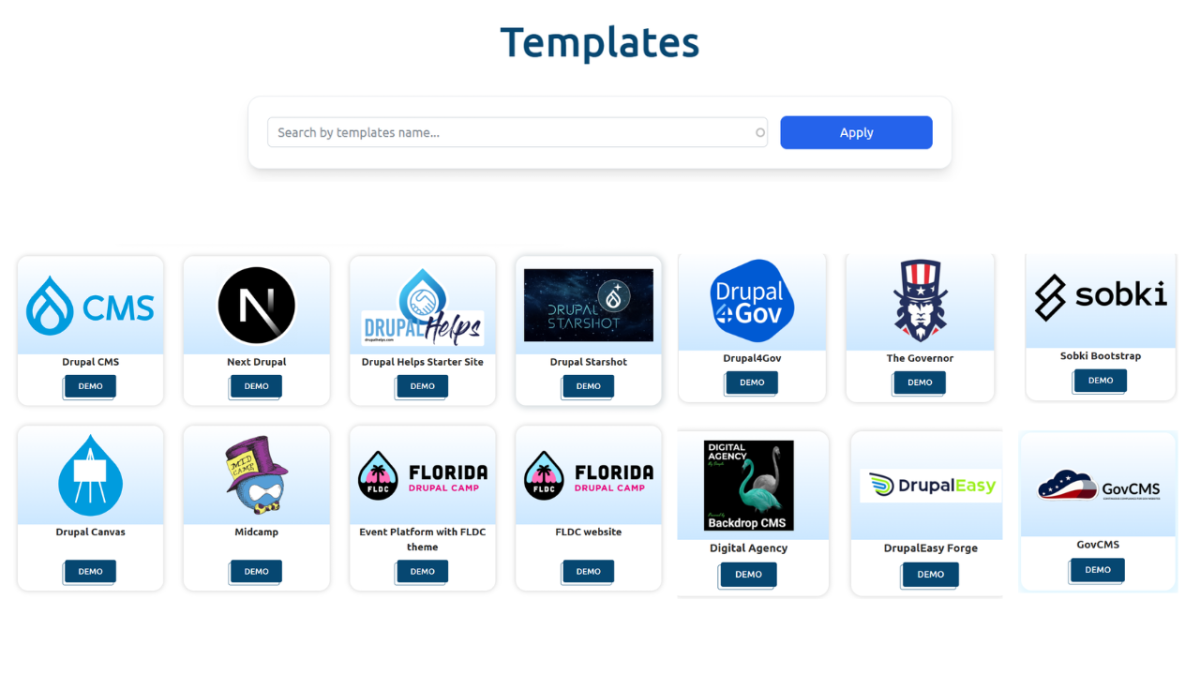
Browse the full range of available setups at the Drupal Forge template library to find the right environment for each stage of your curriculum.
AI for Compliance, Accessibility, and Real-World Drupal Skill-Building
Teaching Drupal AI isn't just about content generation. Some of the most practical (and lower-cost) use cases center on accessibility and compliance automation.
The AI Compliance and Accessibility template demonstrates how to automatically generate alt text for images and verify that submitted content meets accessibility guidelines. These are real tasks that Drupal teams do every day, and they're ideal for teaching because they're bounded, repeatable, and cheap to run.
Alt text generation uses very short prompts and short outputs. Token costs per run are minimal. You can run 200 exercises in a single session without burning through a meaningful budget. That makes it the perfect entry point for teams who want to learn AI integration without the financial risk of open-ended content generation tasks.
It also teaches a fundamental principle: the best AI feature for a given task is the one that fits the job, not the most impressive one available.
Teaching Drupal AI Without Burning Through API Budgets Using the CMS AI Agents Framework
Once students are comfortable with basic AI modules, agent-based automation is the next logical step. Agents are where Drupal AI gets genuinely powerful, and also where API costs can spiral fastest if you're not careful.
The Drupal CMS AI Agents Testing Framework solves this by giving you a structured way to test, reuse, and export agent behaviors. Tests run as YAML files that can be version-controlled, shared across a team, and executed locally or in CI/CD without paying for a live AI call every single time.
For teaching purposes, this is a game-changer:
Students learn to build agent tests, not just run them live.
You can demonstrate agent behavior using pre-recorded test runs before letting students connect to a real API.
Exported YAML tests become reusable course materials that don't cost a cent to distribute.
This is exactly the kind of infrastructure that separates a sustainable Drupal AI training program from one that burns through a budget in two sessions.
Did You Know?
Budget-friendly models like DeepSeek V3.2 now offer pricing as low as $0.28 per million input tokens, compared to $21.00 for flagship Pro models. For Drupal AI training, that's 75x more exercises for the same spend.
Source: AI Superior 2026
From Demo to Deploy: Keeping Costs Under Control at Every Stage
Teaching doesn't stop at the demo. Students who learn to build Drupal AI features will eventually want to deploy them. That's where cost discipline has to follow them out of the classroom.
Here's the progression we recommend:
Demo phase: Use Drupal Forge's free instant environments with local AI (Gemini Nano) or capped API access ($1 limit). Zero financial risk.
Development phase: Use budget-tier models (DeepSeek, Gemini Flash) with prompt caching enabled. Keep a personal token budget of $5-10 per project sprint.
Testing phase: Use the AI Agents Testing Framework to validate behaviors without live API calls. Export results as YAML.
Production phase: Apply model-routing logic (cheap models for simple tasks, powerful models only when needed) to keep ongoing costs predictable.
This framework gives students a career-ready mental model, not just module-level skills. That's the goal of any good Drupal AI curriculum.
Conclusion: Teaching Drupal AI Without Burning Through API Budgets Is Completely Achievable
Teaching Drupal AI without burning through API budgets isn't about cutting corners. It's about being intentional with every dollar spent, every model chosen, and every environment you spin up.
In 2026, the tools to do this well are all available and most of them are free. Local AI models eliminate costs for introductory demos. Drupal Forge's free templates give you instant, disposable, AI-ready Drupal environments with no setup friction. Hard spending caps prevent runaway costs. Prompt caching slashes input token usage. Budget-tier models handle 90% of teaching tasks at a fraction of flagship prices.
You don't need a big budget to learn Drupal AI. You need a smart approach. Start with the Drupal Forge platform, pick the right template for each lesson, and teach students to match their tools to the task at hand. That's how you build genuine Drupal AI competency without burning through API budgets, one session at a time.
Frequently Asked Questions
How do I teach Drupal AI without spending money on API calls?
Start with local AI options like the Drupal Chrome Prompt API template, which uses Gemini Nano running directly in the browser at zero cost. For more advanced exercises, use Drupal Forge templates that include hard API spending limits to prevent unexpected charges.
What is the best free Drupal AI demo environment in 2026?
Drupal Forge offers the most comprehensive set of free Drupal AI demo environments available in 2026, launching fully configured sites in under 5 seconds. Templates like the Drupal AI Workshop and Drupal Canvas AI give you real AI integrations with no setup cost.
Is teaching Drupal AI without burning through API budgets realistic for a whole team?
Yes, it's completely realistic when you combine local AI models, prompt caching, disposable demo environments, and budget-tier model selection. A team of 20 developers can run a full-day Drupal AI workshop for well under $20 in API costs using the strategies in this guide.
Which AI model is cheapest for Drupal AI training exercises?
For zero cost, Gemini Nano via the Chrome Prompt API is unbeatable. For paid exercises, DeepSeek V3.2 offers pricing as low as $0.28 per million input tokens in 2026, making it an excellent choice for high-volume training tasks where you need real API behavior.
What is the Drupal AI Agents Testing Framework and how does it save money?
The Drupal CMS AI Agents Testing Framework lets you build, run, and export AI agent tests as YAML files that can be executed locally or in CI/CD without live API calls. This means you can demonstrate and practice agent behavior repeatedly without paying for a new API call each time.
Can I use Drupal Forge templates for a paid Drupal AI course or workshop?
Drupal Forge is a nonprofit community platform, and its templates are designed to support open learning and contribution. The free, instant demo environments make it practical to run workshops where each participant gets their own isolated Drupal AI environment without the instructor managing complex infrastructure.
How does prompt caching help when teaching Drupal AI across multiple sessions?
In a teaching environment, the same system prompt, module documentation, or code context gets sent to the API over and over. Prompt caching stores that shared context and reuses it without charging for it on every call, reducing input token costs by up to 90% across repeated workshop sessions.